
Private Studios
I think of studio.sketchpad.cc as an open studio, in which everyone can participate and interact. If you're teaching a class or workshop on programming with Processing, you may like this model but need a bit more control over the environment. If so, you may want to set up a private sketchpad studio.
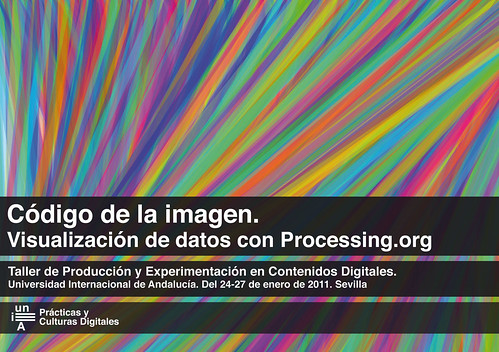
Click above to visit the private studio set up by Juan Antonio Ruz Velasco for the workshop:
Código de la imagen: visualización de datos con Processing.org.
In a private studio, you can:
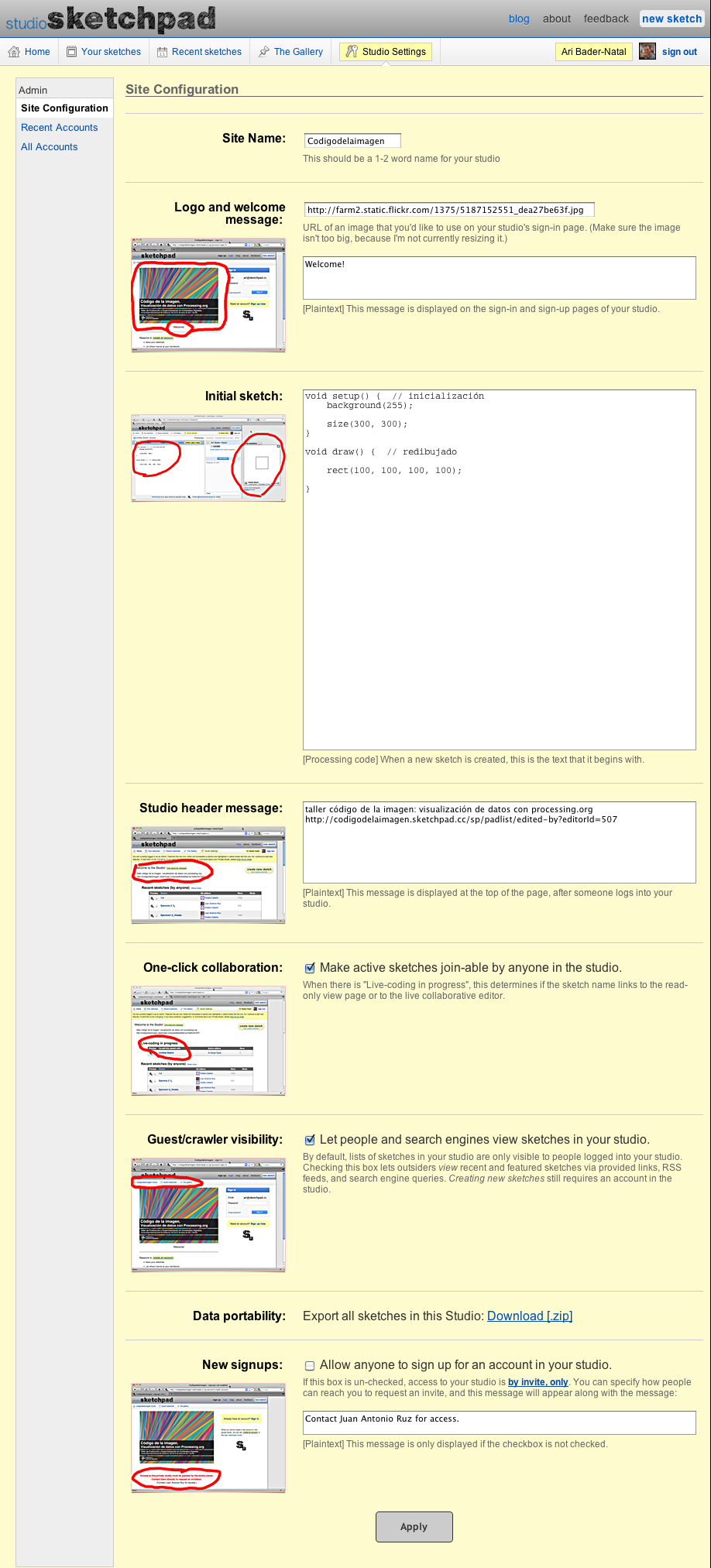
- specify if anyone can sign up or if people have to be invited to gain access (screenshot)
- decide if you wish the sketches created in the studio to be visible to the outside world, through direct surfing, RSS feeds, and search engine queries (screenshot)
- Choose your studio's URL: https://yourclass.sketchpad.cc (example)
- change the default code used to populate new sketches. (screenshot)
- edit any sketch in your studio (not just your own). (screenshot)
- delete any sketch in the studio. (screenshot)
- select which sketches are featured in your studio's gallery. (screenshot)
- customize the messages that people see before and after logging into your studio. (screenshot)
- manage the list of people who have access to your studio.
- pick who else shares your admin-level access (e.g. co-organizers, TAs, etc.)
- export all your studio data, in a single zipped file.
- and more...
Request a studio if this seems like a good fit for your course. I'd be happy to answer any questions that you have.
Click for a full-size screenshot of the studio settings page, circa 2010-02-14.
Follow @studiosketchpad for updates.

